Ascendo Pte Ltd
- Address: 85, Playfair Road #06-02 Tong Yuan Industrial Building Singapore 368000
- Tel: +65 6741 1218
- Email: sales@ascendo.com.sg
© 2026 Ascendo Pte Ltd. All Rights Reserved. Website By Creative eWorld Pte Ltd.

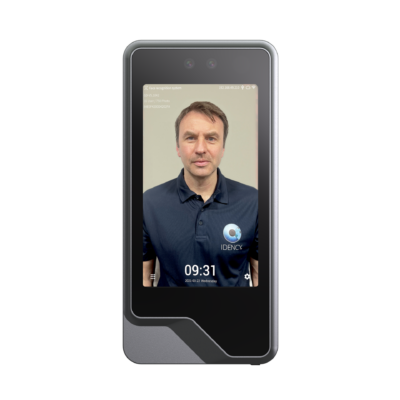
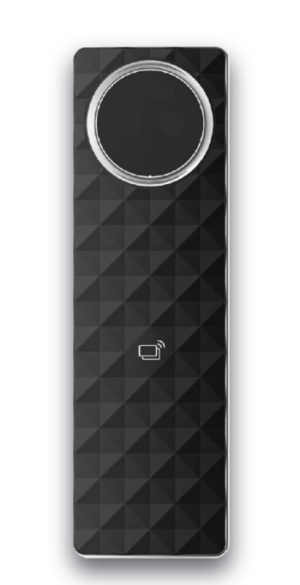
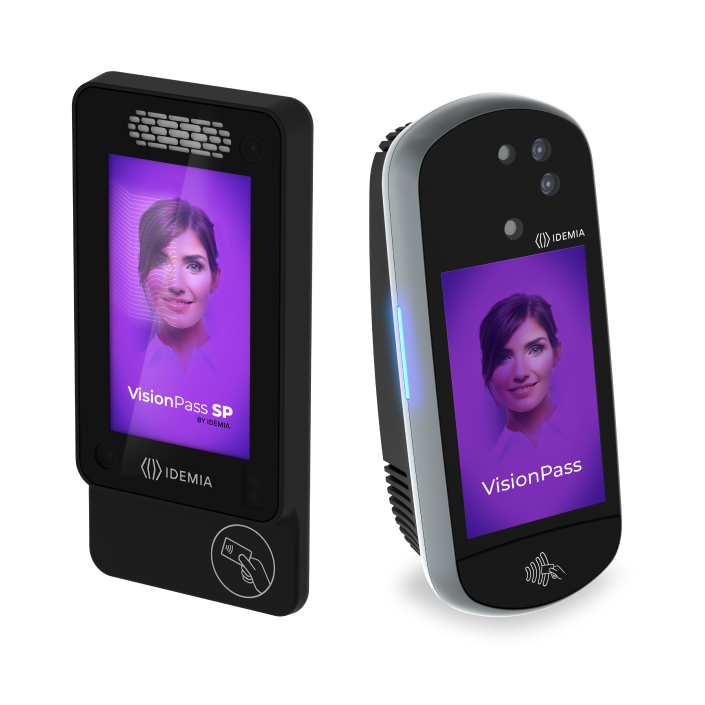

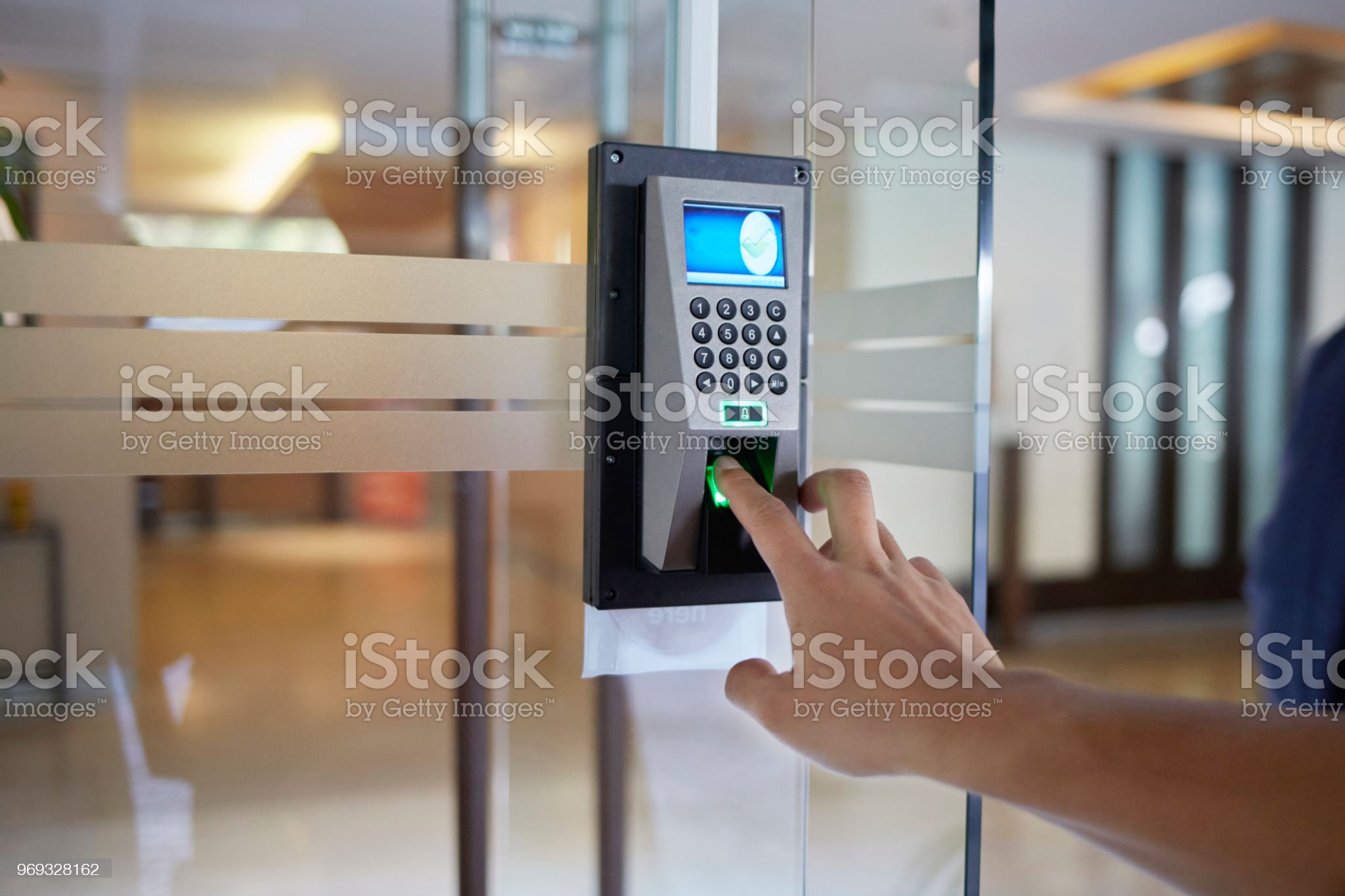
Bring door access management together with a web-based door access control system. FALCO management software and network-connected controllers help administrators manage access permissions, set access schedules and review events across connected doors.
Choose reader and controller options to suit your premises. Available reader options include FALCO and IDEMIA models, with the final combination selected for the required credentials, interfaces and system compatibility.
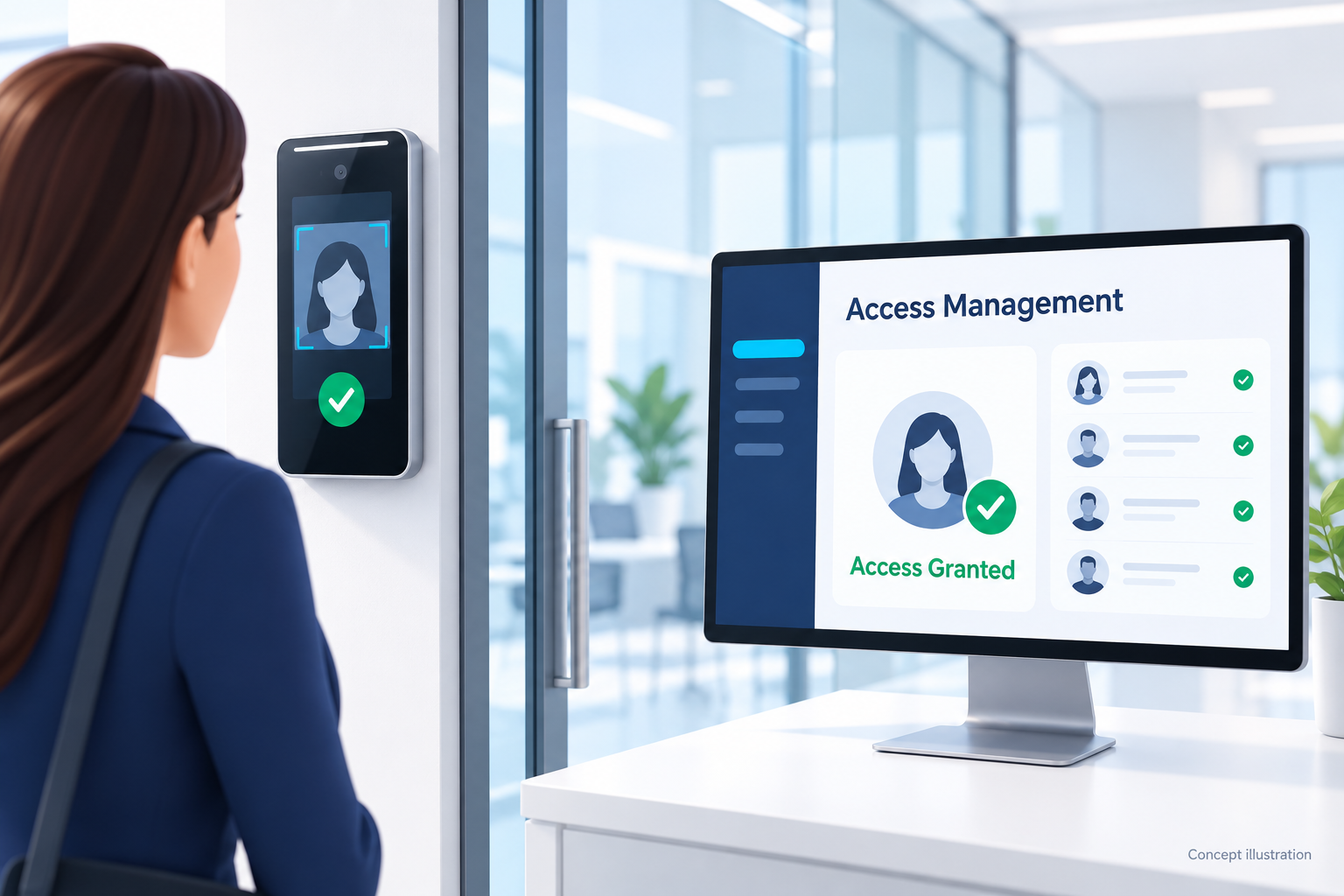
Manage access levels and time schedules through FALCO’s web-based management platform, helping administrators organise access across connected doors.
Review access events and use reporting tools to understand who accessed a monitored entry point and when.
Plan a solution for one location or multiple sites, with controller capacity and software options selected to match your requirements.
Compatible PoE models carry network data and power over an Ethernet connection, helping reduce separate power cabling to the controller.
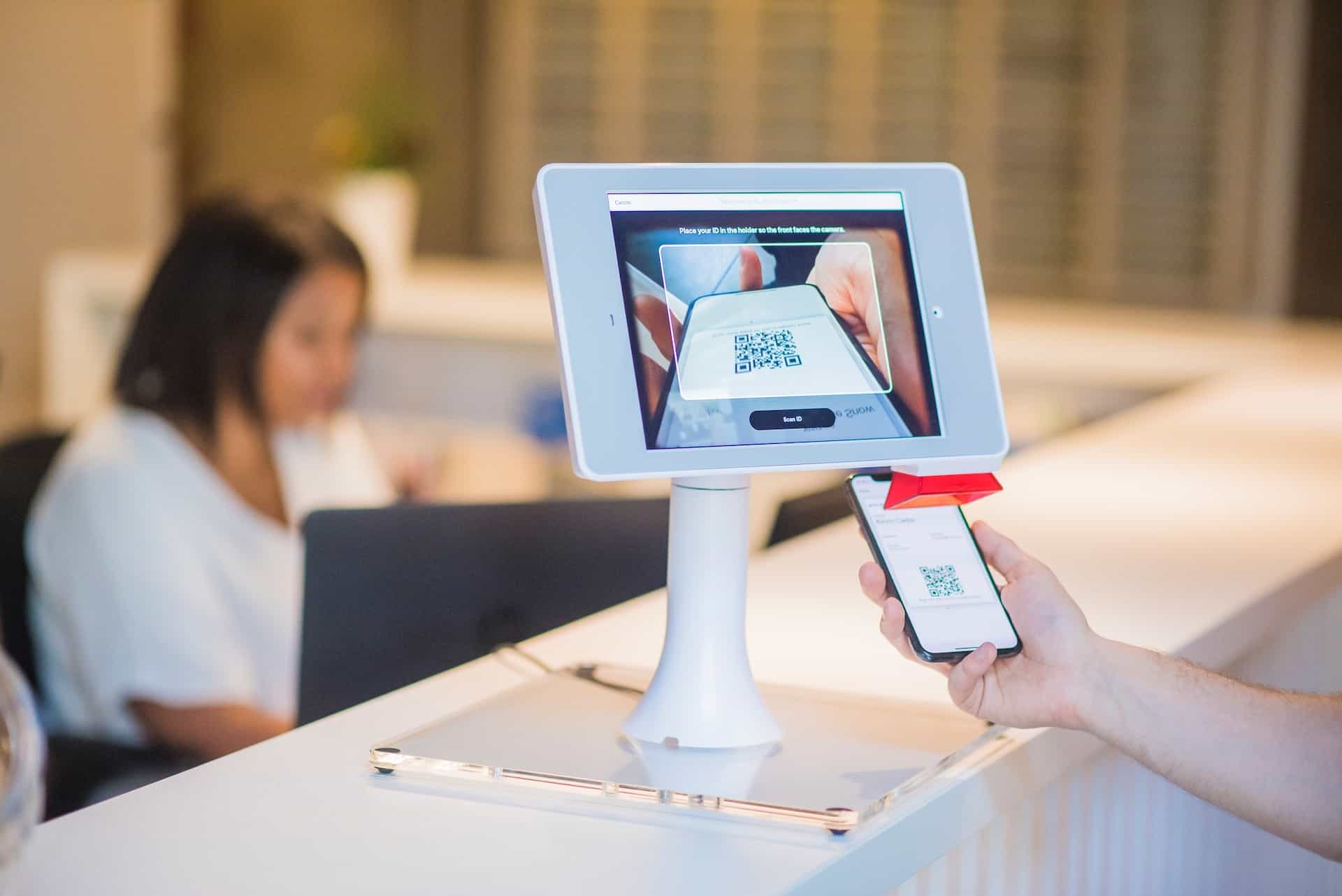
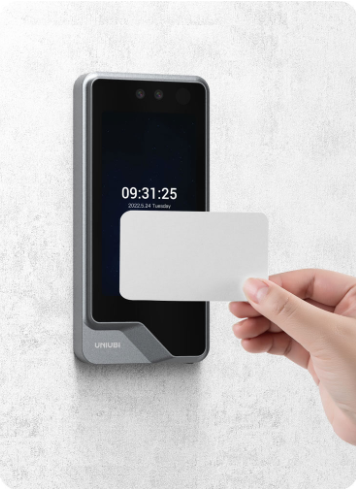
Select suitable card or biometric readers for each access point. Credential support, recognition features and environmental ratings depend on the chosen model. See Reader Options for the available choices.
Compare PoE-powered and separately powered IP controller arrangements. The choice depends on door count, connected equipment, network infrastructure and power requirements. See Controller Options for more detail.
Depending on the selected modules, hardware and software configuration, the FALCO platform offers functions beyond door entry:
Availability and integration scope must be confirmed for the proposed system. Additional hardware, software modules or configuration may be required.
Planning a PoE installation? PoE reduces cabling; it does not make the system wireless. Door devices still require the appropriate wiring, and the combined power demand must fit the selected controller and PoE supply. Separate power may be needed for some equipment.
Tell us your door count, preferred access method and existing equipment so we can discuss a suitable configuration.
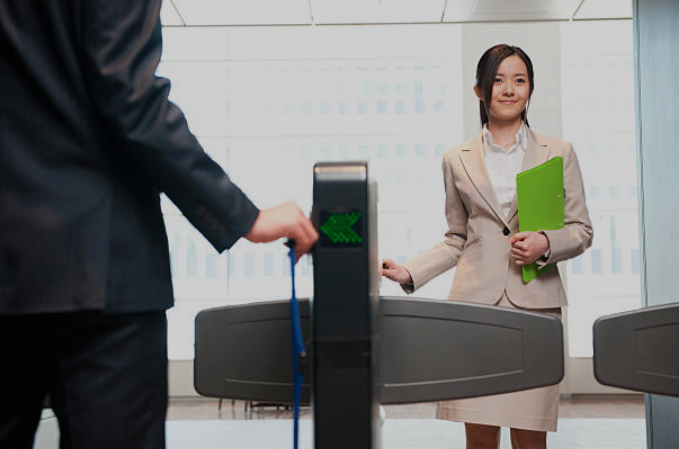
The reader identifies a credential, the access controller checks permission, and the door releases when access is authorised. Management software brings user administration and access events together.
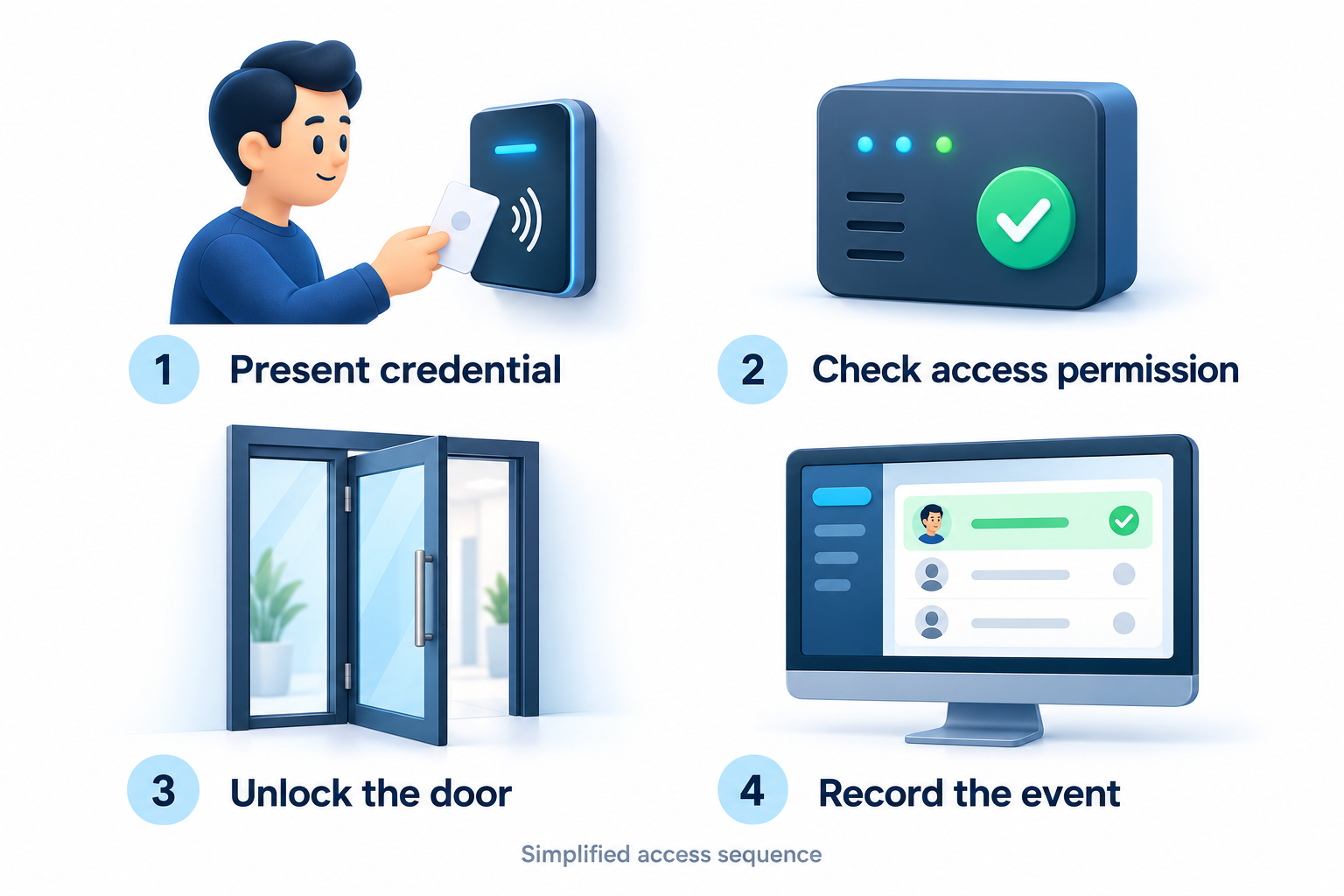
Present a supported card or use the selected biometric reader. The reader obtains the credential or verifies the enrolled user, depending on the model.
The controller checks whether the credential is permitted at that door and time, according to the configured access rules.
For an authorised entry, the controller operates the lock-release circuit. An EM lock releases when its holding power is interrupted.
Access events are reported to the management software for monitoring and review. Available event details depend on system configuration.
The controller links the door equipment to the network. Administrators use the management software to organise access and review events across connected doors.
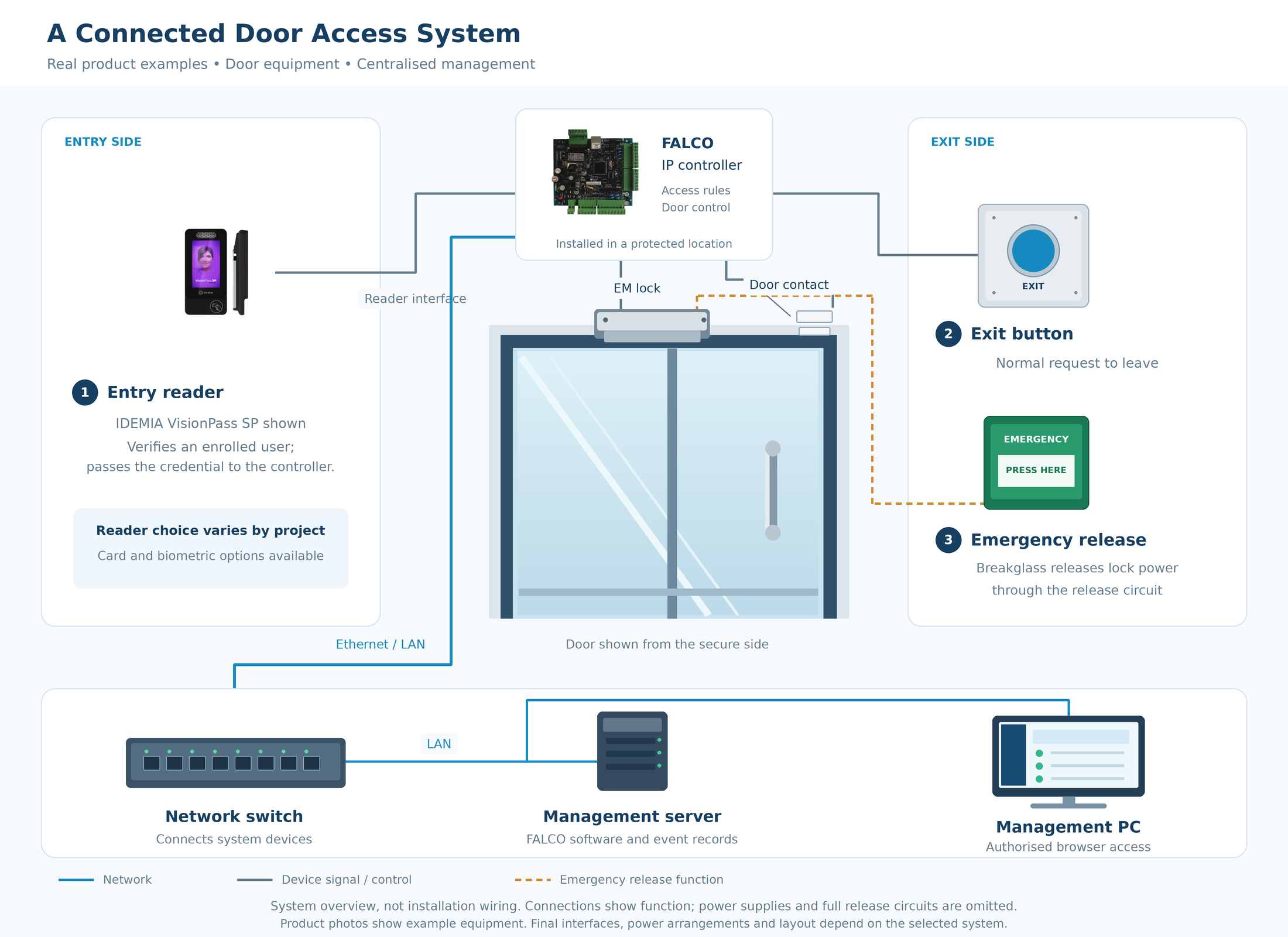
Tap or click the diagram to view it at full size.
The reader handles the presented card or biometric credential. The controller applies the configured access permissions and operates the door output. Reader interfaces and biometric processing vary by model, so the selected devices must be compatible.
The EM lock holds the door closed while powered. When release is authorised, the lock circuit interrupts that power for the configured release period. A separate door contact reports whether the door is open or closed; this does not by itself confirm the magnetic holding force of the lock.
The exit button provides the normal request to leave. An emergency breakglass provides a manual release through the lock-power circuit. Its function is distinct from a normal software access request. The final release arrangement depends on the approved door and electrical design.
The controller communicates with the management server through the network. Authorised administrators use a browser interface to manage users, access levels and schedules, and review events. Web-based access does not necessarily mean the software is cloud-hosted or that the door requires an internet connection for every access decision.
With a compatible PoE controller, the Ethernet connection can carry both network data and power. Other controller arrangements use a separate power supply. The available power must suit the controller and connected devices; some readers or locks may need a separate supply. Backup operation depends on the installed battery or UPS arrangement.
Choosing your equipment? See Reader Options for access methods and Controller Options for the available controller arrangements.
Choose a reader around the way people use each door:
presenting a card, using facial recognition, or combining
supported authentication methods. The final reader and controller
combination should suit your existing credentials, installation
location, security requirements and system architecture.
Users present an issued card at the reader. When retaining
existing cards, confirm the exact credential technology,
frequency and system configuration before selecting a
replacement reader.
Enrolled users are identified using facial recognition.
Consider recognition performance, anti-spoofing capability,
mounting position, environment and user enrolment requirements
when comparing biometric readers.
Flexible reader choices for card-based and facial access,
ranging from secure DESFire card readers to compact and
screen-equipped biometric terminals.
Secure card reader
A 13.56 MHz smart-card reader for access-control applications
requiring MIFARE DESFire credentials. It supports DES and
3DES security mechanisms and is designed for indoor or
outdoor installations.
Key Highlights
✓ MIFARE DESFire & MIFARE Classic
✓ DES / 3DES authentication & encryption
✓ IP66 environmental protection
✓ Wiegand interface
✓ R&TTE and FCC approval stated in datasheet
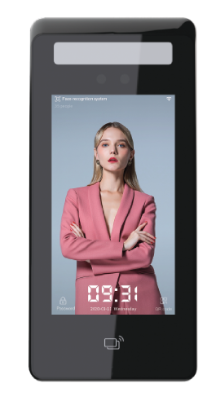
Facial recognition reader
A screen-equipped facial recognition terminal designed for
fast user identification and interactive access points.
Its large face database and integrated card-reading capability
support higher-volume deployments.
Key Highlights
✓ Recognition speed under 1 second
✓ 5-inch IPS touchscreen
✓ 50,000-face standard database
✓ Up to 100,000 face images
✓ Living-body detection & embedded card reader
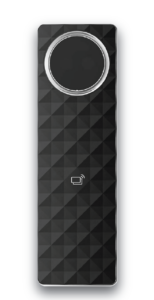
Compact facial recognition reader
A compact screenless facial recognition terminal for access
points where a smaller device footprint is preferred.
It combines fast biometric verification with card support,
PoE connectivity and rugged environmental protection.
Key Highlights
✓ Recognition speed under 0.3 seconds
✓ Up to 10,000 faces & 10,000 cards
✓ IP66 / IK10 protection
✓ PoE · EM · MIFARE · NFC
✓ CE & FCC
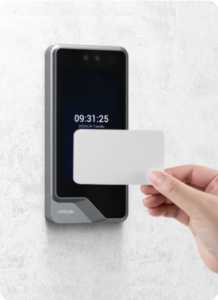
Facial recognition reader
An AI-based facial recognition terminal combining fast
verification, live detection and multiple credential options.
It is suited to access points requiring a touchscreen interface
together with card and biometric authentication.
Key Highlights
✓ 0.3-second facial verification
✓ Up to 10,000 faces & cards
✓ EM · MIFARE · NFC credentials
✓ IP65 outdoor protection
✓ CE · FCC · RoHS
Fingerprint capability is available on the separate
AY-UF355 Pro FP variant.
Advanced Biometric Assurance
IDEMIA VisionPass terminals add independently evaluated biometric
performance, advanced 3D anti-spoofing and enterprise security
capabilities for projects where identity assurance and biometric
protection are key requirements.
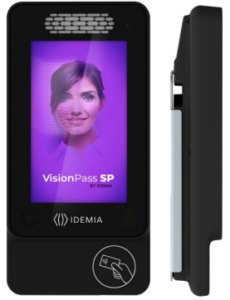
Advanced 3D biometric access
A compact facial recognition terminal combining visible,
infrared and 3D face acquisition for fast, frictionless
identification. It is designed for enterprise access-control
deployments requiring strong biometric, cybersecurity and
privacy safeguards.
Security & Assurance Highlights
✓ Top-tier NIST FRVT evaluation results
✓ Independently certified 3D fraud detection
✓ Visible + infrared + 3D face acquisition
✓ IP65 / IK07 protection
✓ GDPR privacy-by-design & AES-256 template protection
✓ Up to 10,000 users · RFID · QR · PIN · secure OSDP
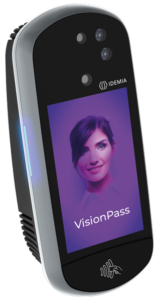
High-capacity 3D biometric access
A high-capacity facial recognition terminal combining
visible-light, infrared and 3D sensing for near-motion,
hands-free access. It is designed for demanding deployments
requiring advanced anti-spoofing and high user throughput.
Security & Assurance Highlights
✓ IDEMIA algorithms: top-tier NIST evaluations
✓ iBeta PAD Levels 1 & 2
✓ 2D + infrared + 3D optical technology
✓ Up to 40,000 users
✓ Up to 30 users per minute
✓ IP65 · CE · CB · FCC
Credential support, environmental protection and available
functions depend on the exact model and configuration.
Confirm the proposed reader interface, credential technology,
power requirements and controller compatibility before selection.
Share the card type and current reader model with us.
A matching operating frequency alone does not establish
compatibility; the credential technology and system
configuration also matter.
Tell us whether the reader will be indoors, sheltered or exposed
to weather. Also consider mounting space, lighting and how people
approach it. Environmental ratings should be checked against
the exact model datasheet.
Reader-to-controller communication and user enrolment need
to suit the proposed system. Confirm the interface, credential
output, power supply and required software configuration as
part of selection.
Share your preferred access method, existing cards,
installation location and security requirements.
The controller applies access rules and connects the door equipment to the management system. Choose an arrangement around your door count, reader interfaces, power requirements and available network infrastructure.
Both options use an IP network. The difference below is how the controller receives power: through a compatible PoE connection, or through a separate power input.
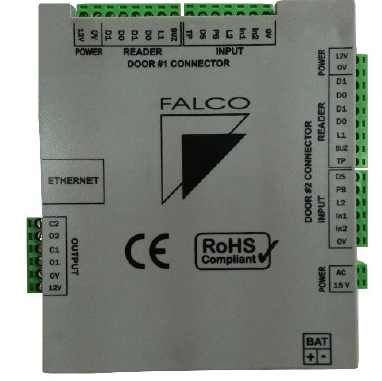
Power and data over Ethernet
Receives network communication and power through a compatible Ethernet connection. This can reduce separate power cabling to the controller.

Network connection with separate power
Uses Ethernet for network communication, with a separate power input. This allows network and power provision to be planned individually.
| Consideration | PoE Controller | Separately Powered IP Controller |
|---|---|---|
| Network communication | Ethernet / IP network | Ethernet / IP network |
| Controller power | Through compatible PoE equipment | Through a separate power input |
| Planning focus | PoE compatibility and available power | Supply location, cabling and power capacity |
| Door equipment | Select compatible devices within the available power limits | Select compatible devices within the supply and output limits |
| Door count & reader capacity | Confirm for the exact model | Confirm for the exact model |
Start with the number of doors, then identify whether each door needs entry and exit readers or an exit button. Include door contacts and other required inputs. Door count, reader count and user/event storage vary by controller model and upgrade options.
This depends on the complete equipment combination. Check the PoE source, controller outputs and the voltage and power needs of each lock and reader. Some equipment may require a separate supply; an Ethernet connection alone does not confirm PoE compatibility.
Review backup for the whole system: controller, locks, readers and network equipment. Battery charging support does not mean a battery is included or guarantee a particular runtime. Confirm the battery or UPS capacity, connected load and intended behaviour during a power interruption.
Share your door count, selected readers and locks, network facilities and backup requirements.
Different areas need different access rules. Plan who can enter each door, when they can enter and how administrators will manage changes. The examples below show how a door access system can support everyday site requirements.
Separate staff areas from visitor-facing spaces. Plan permissions for entrances, offices and shared facilities around working hours and staff roles.
Organise access to stock rooms, dispatch areas and staff entrances. Consider shift patterns and temporary access requirements when setting permissions.
Manage entry to production support areas, stores and administrative rooms. Select readers and enclosures to suit the conditions at each access point.
Plan access to staff rooms, equipment stores and teaching facilities. Set permissions around the people responsible for each space.
Define access to staff-only rooms, stores and work areas. Choose an access method that suits users and the operating environment.
Limit access to authorised personnel and review access events. Plan the door hardware, release arrangements and monitoring requirements together.
Yes. Access levels and schedules can be configured so users have access to the doors and times assigned to them. The available settings depend on the selected controller and software configuration.
The FALCO platform supports multi-site arrangements. The proposed design needs to account for connectivity between sites, controller capacity and the required software configuration.
Not necessarily. Web-based describes how administrators access the software through a browser. The management server may be hosted within the organisation’s infrastructure; hosting and remote-access arrangements should be agreed for the project.
Possibly. Share the exact card technology and reader models for a compatibility check. The reader interface, credential format and enrolment method must suit the proposed system; matching frequency alone is not enough.
No. Reader selection can vary by access point. A project may use card readers, facial readers or a suitable combination, provided the selected equipment and configuration are compatible.
Expansion can be planned into the system. Additional doors may require more controllers, readers, network ports, power capacity and software options. Share your expected future door count when discussing the initial design.
Check the offline behaviour of the exact controller and reader combination. Local access decisions, event storage and later synchronisation depend on the equipment and configuration. Live monitoring and remote changes may be unavailable while communication is interrupted.
Operation depends on which equipment has battery or UPS support and how long that backup can supply the connected load. An EM lock releases if its holding power is lost. The controller, readers, network and management equipment should all be considered when planning continuity.
The FALCO platform offers integration options, including CCTV and other access-related functions. Availability depends on the chosen software modules, interfaces and third-party equipment. Share the exact systems you want to connect so the integration scope can be checked.
Send us your site requirements so we can discuss a suitable combination of readers, controllers and management options.